
⚡Quick verdict
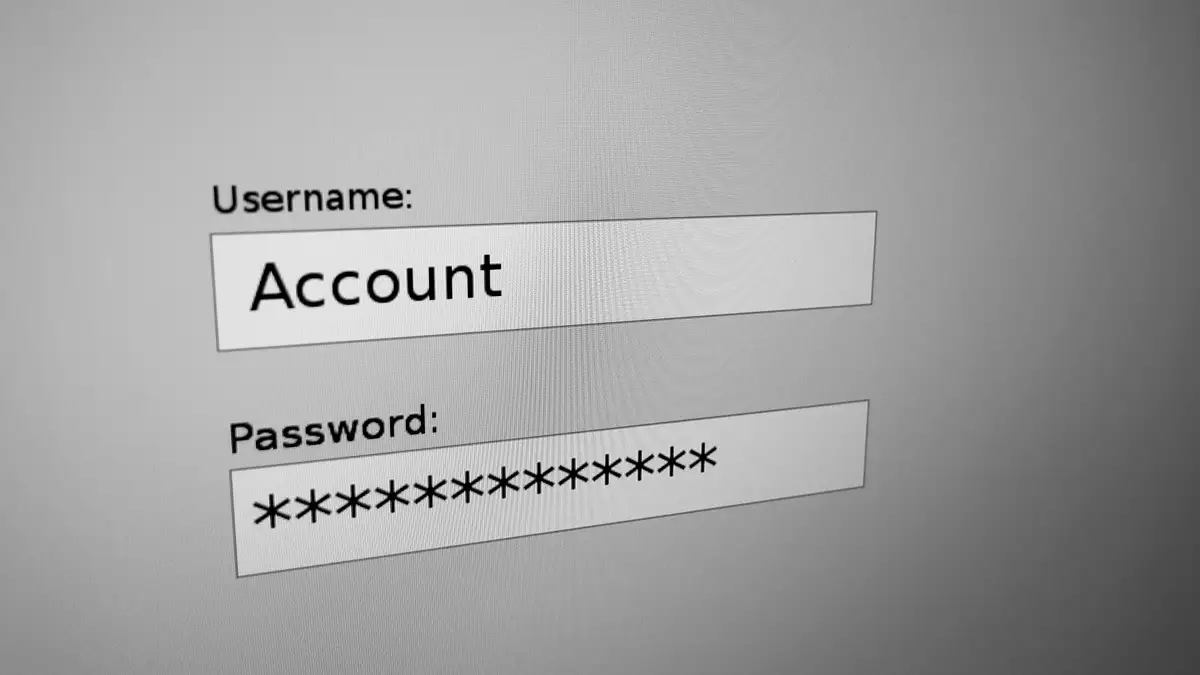
Xtream Codes is a way of signing in to an IPTV service with three details: a server address (with its port), a username and a password. Player apps use it to fetch live channels, the TV guide, catch-up and the film library in one step, which is why it is easier than an M3U link on a TV remote.
- The server address must include http:// and, usually, a port such as :8080.
- Usernames and passwords are case-sensitive.
- The name comes from old panel software; today it just means this style of log-in.
The three details
| What | Looks like | Common slip |
|---|---|---|
| Server URL | http://line.example.com:8080 |
The http:// and the :port |
| Username | brolly4821 | Capitals and stray spaces |
| Password | k7Qm29 | Letters that look alike: l, I and 1 |
Some apps also ask for a playlist name. That is just a label for you, such as “Telly Hub lounge”.
Where it goes in common apps
- TiviMate: Add playlist → Xtream Codes → enter the server, then the username and password.
- IPTV Smarters Pro: Add user → Login with Xtream Codes API → fill in any name, then the three details.
- IBO Player: add the details on the IBO website against your device’s MAC address.
- GSE Smart IPTV: Remote playlists → plus button → Xtream Codes API.
Each of our player app guides shows the exact screens.
Fixing sign-in problems
- Retype the server with
http://at the front and the port at the end. - Check the username and password letter by letter, or paste them.
- Make sure your trial or plan is still running.
- Restart the app; some cache an old failed attempt.
Still stuck? Send us a photo of the error screen on WhatsApp, with the password covered.
From £5.42 a month
Borrow a full log-in for 24 hours before paying a penny. No card, no contract, no silent renewals.
More questions
Where do I find my Xtream Codes details?
In the message we send after your trial request or your payment. It lists the server, the username and the password on separate lines.
Is Xtream Codes legal?
It is only a log-in format. The original company behind the software was closed by Italian police in 2019, but the format lives on in many apps and services, licensed and unlicensed.
Why does the app say “invalid credentials”?
Usually a capital letter, a space copied at the end, or the server typed without http:// or the port. Copy and paste where you can.