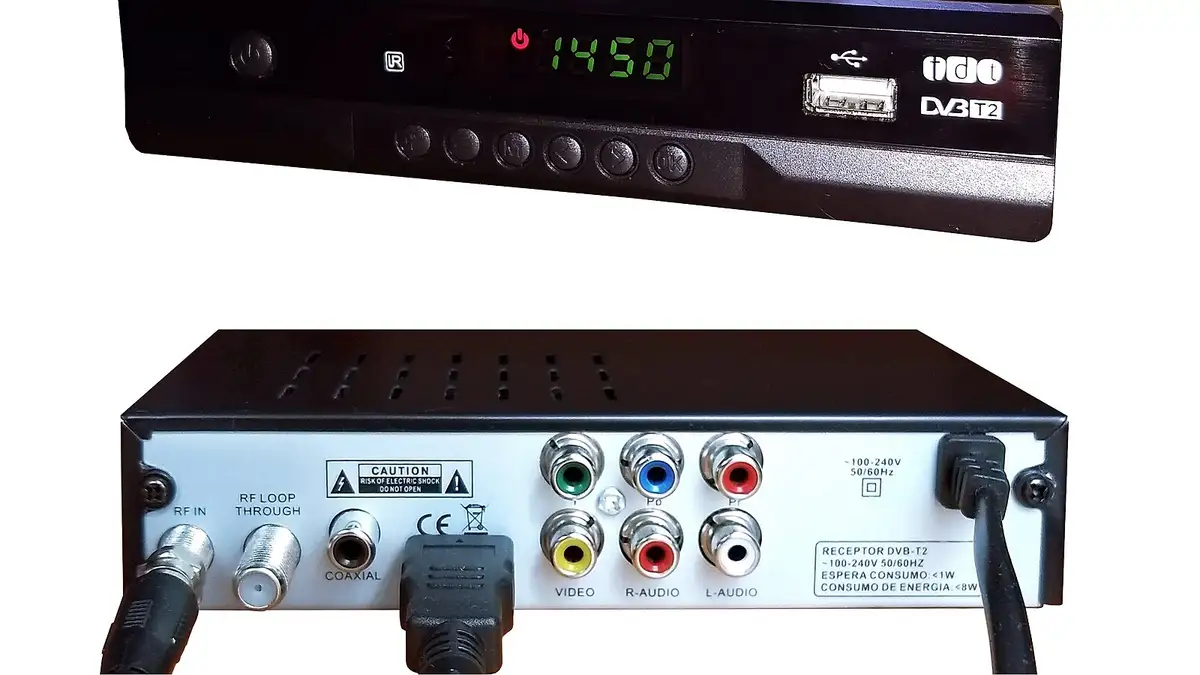
,_photographed_in_Colombia.jpg)
⚡Quick verdict
Setting up IPTV takes the same three steps on every device: install a player app, enter the log-in we send (server, username and password, or a playlist link), and wait for the channels and guide to load. What differs is where the app comes from and how you type on that device. Not sure which app? Try the device matcher first.
- Allow ten minutes, plus a few more for a big playlist to load the first time.
- Copy and paste the log-in where you can; typos cause most failed sign-ins.
- Fire TV StickFire TV Stick IPTV set-up for UK homes: switching on developer options, installing Downloader, adding a player app, signing in, and fixes.
- Samsung TVSet up IPTV on a Samsung smart TV running Tizen: which player apps are in the Samsung store, activating with the TV's MAC address, adding your log-in and fixes.
- LG TVGetting IPTV running on an LG webOS television: choosing a player from LG's store, activating it with the MAC address, adding your log-in, and fixes.
- Google TV / Android TVSet up IPTV on Google TV and Android TV sets and boxes (Sony, Philips, TCL, Hisense, Nvidia Shield, Chromecast): install TiviMate, sign in and tune it.
- Apple TVSet up IPTV on an Apple TV 4K or HD: choose a player from the App Store, add your Xtream Codes or M3U log-in from your iPhone, and fix the usual problems.
- iPhone and iPadWatch IPTV on an iPhone or iPad: pick a player from the App Store, add your log-in, AirPlay to a TV, and keep mobile data use under control.
- Android phoneSet up IPTV on an Android phone or tablet: install a player from Google Play, add your log-in, cast to a TV with Chromecast, and manage mobile data.
- Windows and MacIPTV on a computer, Windows or Mac: VLC for a quick start, a desktop player for the full guide, and an HDMI lead to put it on the television.
- MAG boxGetting a MAG box (322, 324, 520, 540 and others) online: finding its MAC address, sending it to us, typing the portal URL, and common errors.
Before you start
- Have the message with your log-in open on your phone.
- Make sure the TV or stick is on the same Wi-Fi you normally use, or plugged in by cable.
- If you have not chosen a player app, the device matcher picks one in two taps, and the player app guides compare them.
From £5.42 a month
Borrow a full log-in for 24 hours before paying a penny. No card, no contract, no silent renewals.