
⚡Quick verdict
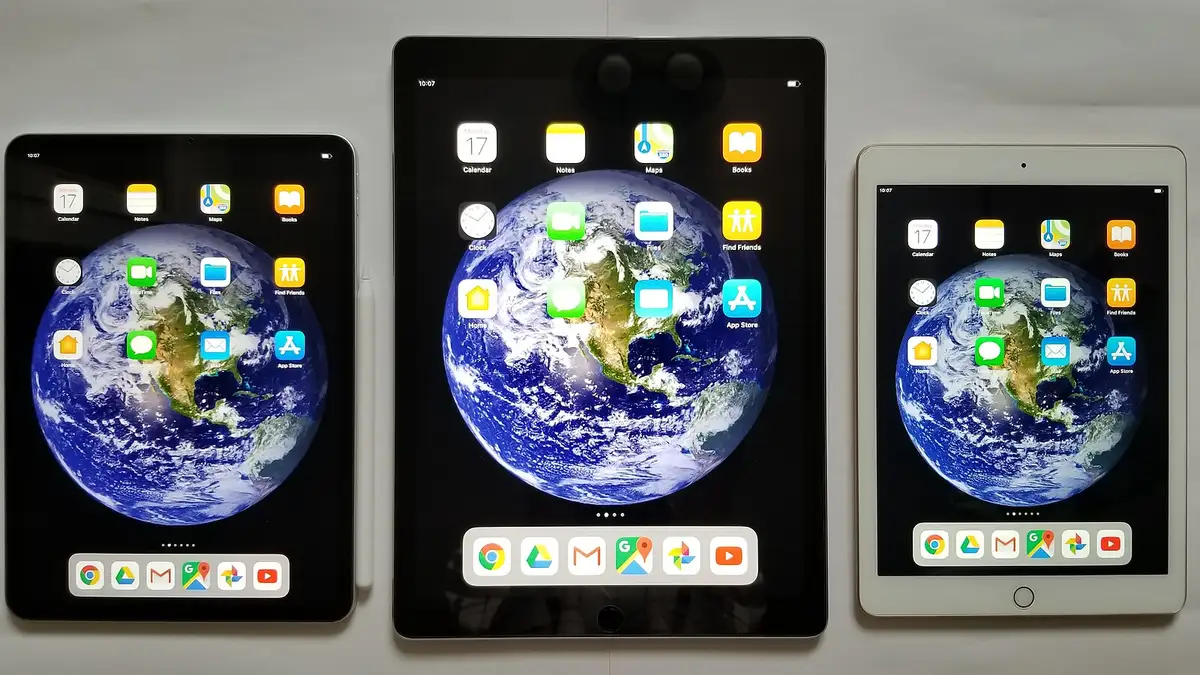
On an iPhone or iPad, get a player app (Smarters Player Lite and GSE Smart IPTV are both in the App Store), add your Xtream Codes log-in or M3U link, and watch. AirPlay sends the picture to an Apple TV or AirPlay-compatible smart TV. On mobile data, lower the quality in the player to save your allowance.
- Copy and paste the log-in straight from our WhatsApp message.
- An hour of HD on 4G or 5G uses about 2 to 3 GB.
- Your TV licence covers your phone anywhere in the UK.
Step 1: install a player
In the App Store, look up Smarters Player Lite, with GSE Smart IPTV as a second choice, then tap Get.
Step 2: add your log-in
- Open our message on WhatsApp, press and hold the server address, and copy it.
- In the player, add a new user or playlist and choose Xtream Codes.
- Paste the server, then copy and paste the username and password.
- Save and wait for the channels to appear.
Step 3: watch on the big screen
- AirPlay: start a channel, tap the AirPlay icon (a rectangle with a triangle) and pick your TV.
- Screen mirroring: swipe down for Control Centre, tap Screen Mirroring and choose the TV. It works with any app but uses more battery.
Saving mobile data
| Quality | Data per hour, roughly |
|---|---|
| SD | 0.7 to 1 GB |
| HD | 2 to 3 GB |
| 4K | 7 to 10 GB |
Look for a quality or stream format option in the player’s settings, and prefer Wi-Fi for films.
From £5.42 a month
Borrow a full log-in for 24 hours before paying a penny. No card, no contract, no silent renewals.
More questions
Can I AirPlay IPTV to my TV?
Yes, to an Apple TV or to any TV with AirPlay 2 built in, including many Samsung and LG models. Some players block AirPlay for certain streams; if so, use a player on the TV instead.
Will my phone use up one of my screens?
Only during playback. If someone is watching the lounge TV at the same time, that is two screens.
Can I download films to watch offline?
Most players do not support offline downloads, so plan to stream over Wi-Fi or mobile data.