
⚡Quick verdict
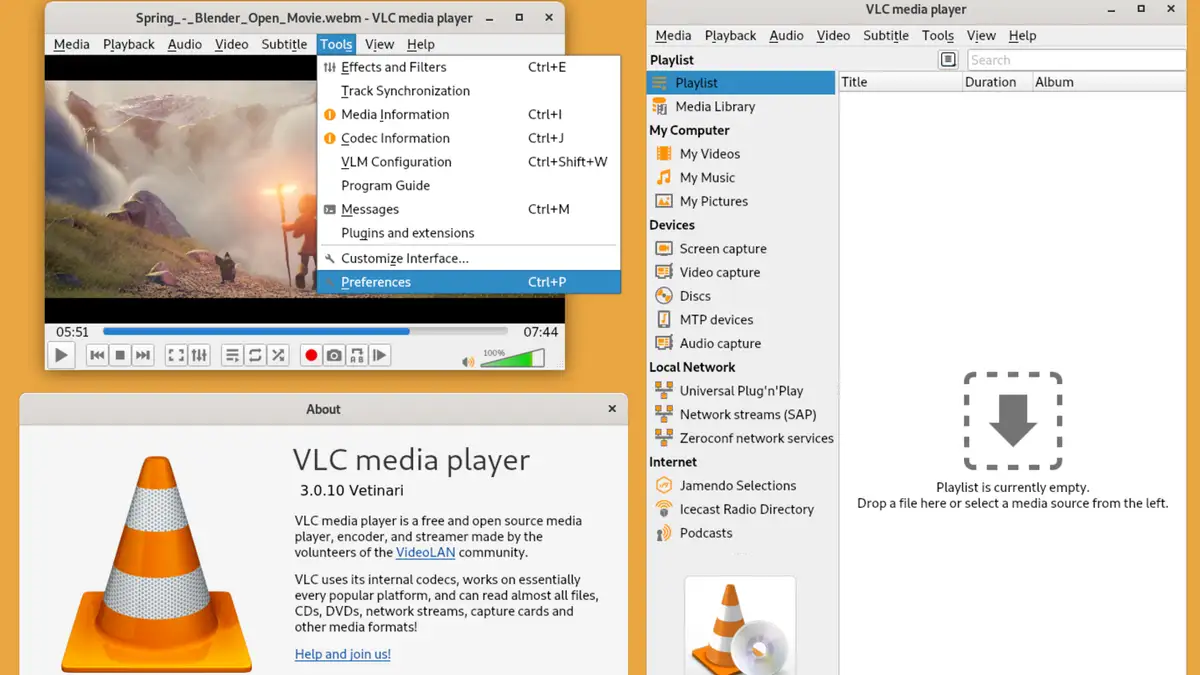
VLC is a free, open-source media player from the VideoLAN non-profit that plays almost any stream. For IPTV, choose Open Network Stream, paste your M3U link, and every channel appears as a playlist entry. It has no TV guide or film posters, but it is the quickest test that your service works, and a reliable fallback on any computer.
- Download only from videolan.org; copies elsewhere sometimes come bundled with adware.
- Use the playlist view to switch channels.
- No EPG grid: use a dedicated player for that.
Opening your playlist
- Install VLC from videolan.org.
- Mac users choose File and Open Network; on Windows it lives under Media as Open Network Stream.
- Drop in the playlist link and hit Play.
- Open the playlist (Ctrl+L, or Cmd+Shift+P on a Mac) to see every channel.
A large list can take a minute to load. Use the search box at the top of the playlist to jump to a channel.
Handy VLC tricks
| Want to | Do this |
|---|---|
| Find a channel fast | Type in the playlist search box |
| Fix audio out of sync | Press J or K to nudge it |
| Go full screen | Double-click the picture |
| Record what is playing | View → Advanced Controls, then the red button |
When VLC is the right choice
- Checking quickly whether a log-in works.
- Watching on a work laptop where you cannot install other apps.
- Playing a stream format other players refuse.
For everyday viewing with a guide, a player such as IPTV Smarters Pro on the same computer is more comfortable.
From £5.42 a month
Borrow a full log-in for 24 hours before paying a penny. No card, no contract, no silent renewals.
More questions
Is VLC free?
Yes, completely, with no adverts. It is made by VideoLAN, a non-profit organisation.
Does VLC work on phones?
Yes, there are VLC apps for Android and iOS, and they can open network streams. Dedicated IPTV players are easier on a small screen.
VLC says my input cannot be opened. Why?
Either the address is incomplete or mistyped, the plan has ended, or another device is using your last screen. Copy the link again in full and retry.