
⚡Quick verdict
Buffering means the stream is arriving more slowly than it plays. Find out where first: if every channel stutters, the cause is usually Wi-Fi or the device; if one channel stutters at peak time, it is the server. Ethernet or a mesh point fixes most home causes. Player settings such as buffer size and stream format fix many of the rest.
- Test speed on the TV or stick, at the time it buffers.
- A £15 Ethernet adapter fixes more Fire Sticks than any setting.
- Peak-time freezes on one channel are ours to fix: tell us the channel and time.
Step 1: find where the problem is
| What you see | Most likely cause |
|---|---|
| Every channel stutters, all the time | Wi-Fi or the device |
| Every channel stutters, only in the evening | Busy home network or broadband at peak |
| One channel stutters, others are fine | That stream or server |
| Only big live games freeze | Peak load or match-day blocking |
| Films play fine, live TV stutters | Stream format setting |
Step 2: home fixes, cheapest first
- Restart the router. It clears a surprising number of slow connections.
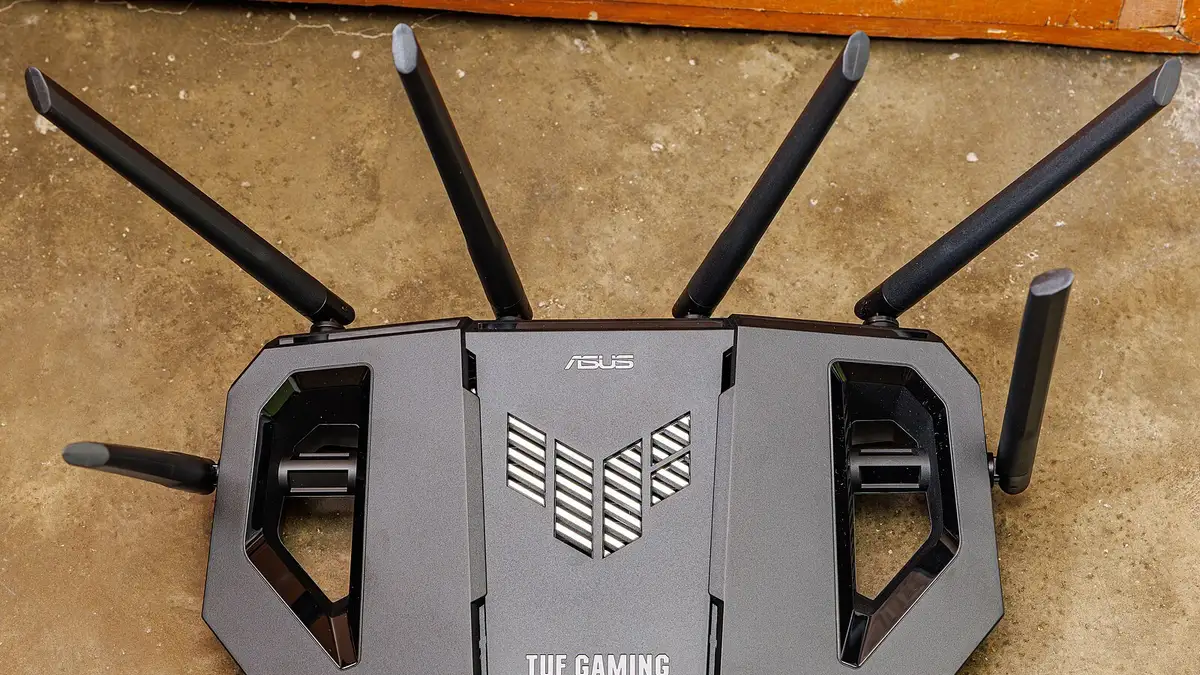
- Move the router up and out. Off the floor, out of the cupboard, away from the TV’s metal stand.
- Use 5 GHz Wi-Fi if your router offers it and the TV is within a room or two.
- Plug in a cable. Ethernet to the TV, or an Ethernet adapter for a Fire Stick.
- Add a mesh point or powerline adapter near the TV.
- Free up the stick. Clear the cache of apps you rarely use and uninstall the rest.
Step 3: player settings
- Buffer size: set to large or extra large (TiviMate: Settings → Playback).
- Stream format: switch between TS (MPEG-TS) and HLS.
- Decoder: try hardware, then software.
- Player: in IPTV Smarters, switch to the VLC player for a stubborn channel.
Step 4: tell us
If one channel freezes at the same time on several devices, send us the channel name and the time. That points to the source, and we can switch it or tell you when it is fixed.
From £5.42 a month
Borrow a full log-in for 24 hours before paying a penny. No card, no contract, no silent renewals.
More questions
Why does IPTV buffer only during football?
That is when the most people watch at once and when rights holders block known servers. If only the big match stutters, tell us; it is not your broadband.
Will a faster broadband package stop buffering?
Rarely on its own. Most UK lines are already fast enough; the weak link is usually Wi-Fi inside the home.
Does clearing the cache help on a Fire Stick?
Sometimes. Settings, Applications, Manage installed applications, then the player app, Clear cache. It frees storage, which the stick needs to buffer smoothly.