
⚡Quick verdict
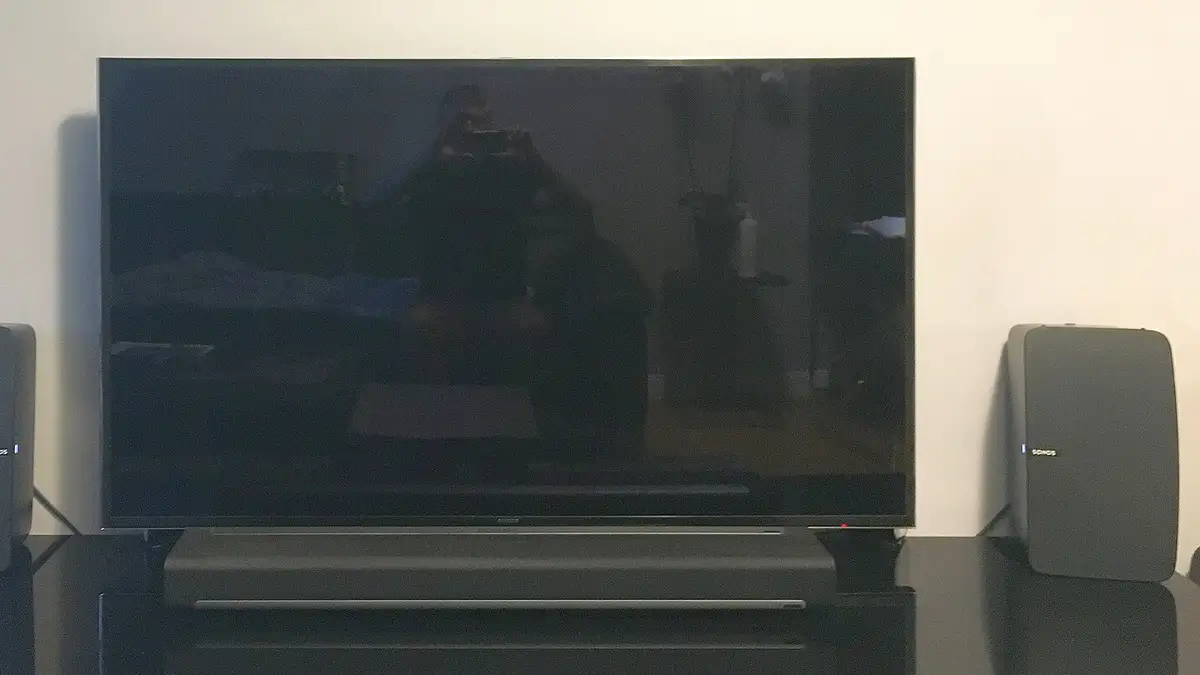
A black screen with sound, or a picture with no sound, is almost always a decoding setting rather than a fault with the service. Switch the player's decoder between hardware and software, change the audio output from passthrough to PCM, and check the TV input. If one channel is silent everywhere, the problem is the stream, so tell us which one.
- Decoder settings fix most black screens.
- Audio passthrough to an old soundbar is the usual cause of silence.
- Out-of-sync sound can be nudged in most players.
Black screen, sound playing
- Open the player’s settings and find Decoder or Video decoder.
- Switch from hardware to software (or the other way round).
- Try the channel again.
- Still black? Try the channel in a second player app; if it works there, keep that app for that channel.
Picture, no sound
- Check the TV and soundbar volume and mute, the obvious first.
- In the player, set Audio output to PCM or Stereo instead of passthrough.
- On Fire TV: Settings → Display and Sounds → Audio → Surround Sound → Stereo.
- If only one channel is silent on every device, tell us the channel.
Sound out of sync
| Device | Where to adjust |
|---|---|
| TiviMate | Playback settings, audio delay |
| VLC | J and K keys |
| Fire TV | Display and Sounds → Audio → AV sync tuning |
| Many TVs | Sound settings, lip sync |
Nothing at all
If no channel plays and the app shows an error, check that your plan is active, then see buffering fixes and our log-in help.
From £5.42 a month
Borrow a full log-in for 24 hours before paying a penny. No card, no contract, no silent renewals.
More questions
Why do some channels have sound but no picture?
The stream uses a video format your device decodes poorly in its current mode. Switching between hardware and software decoding usually fixes it.
Why is there no sound through my soundbar?
The player may be sending surround sound the soundbar cannot handle. Set audio output to PCM or stereo in the player or device settings.
Sound is a second behind the picture. Can I fix it?
Yes. Most players have an audio delay setting; VLC uses the J and K keys. Some TVs also have a lip-sync option.