
⚡Quick verdict
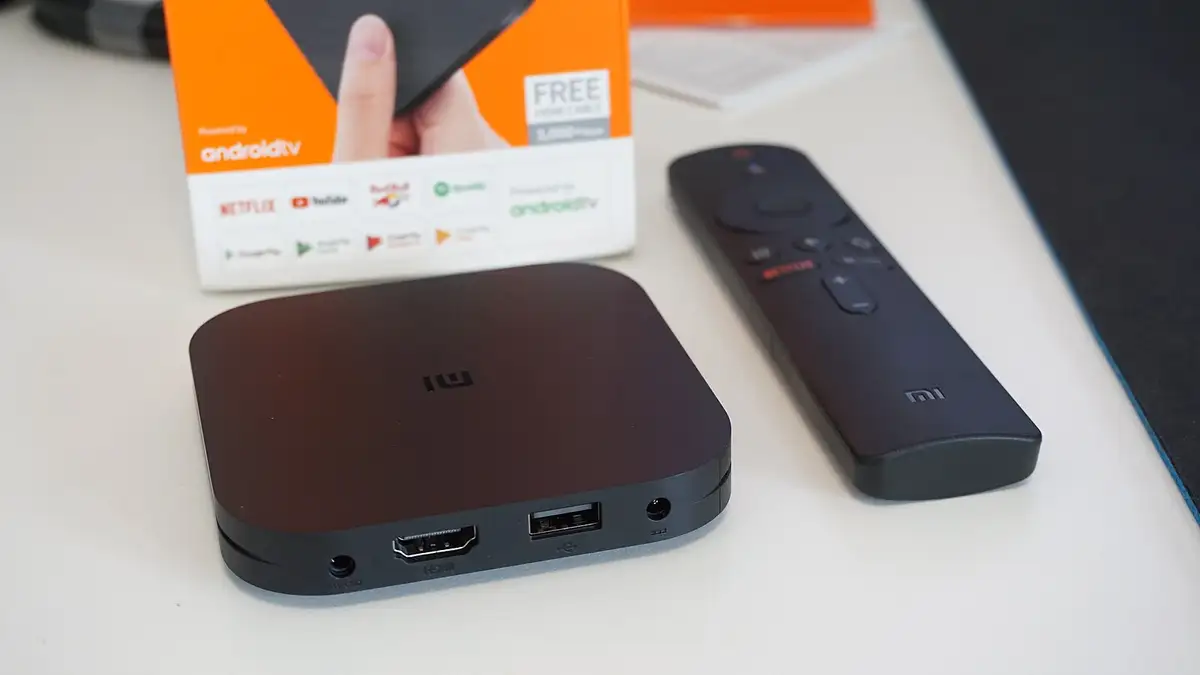
Google TV and Android TV have the widest choice of IPTV player apps. Install TiviMate or another player from the Google Play Store, add your Xtream Codes log-in, and the channels, guide and films load in a few minutes. This covers Sony, Philips, TCL and many Hisense TVs, plus Chromecast with Google TV and Nvidia Shield.
- TiviMate is free to install; its Premium upgrade adds features such as catch-up and multi-view.
- Plug in Ethernet if the TV has a port; it is the single best fix for buffering.
- Turn on “match frame rate” for smoother football.
Step 1: install the player
- On the home screen, open Apps and then Google Play Store (or search with the remote’s microphone).
- Search TiviMate and install it. Other good players on Google Play include GSE Smart IPTV.
Step 2: add your log-in
- Launch TiviMate; the first screen offers Add playlist.
- Pick the Xtream Codes option.
- Enter the server address, then your username and password.
- TiviMate shows how many channels, films and series it found. Choose Next, then Done.
Step 3: make it yours
- Hide groups: long-press a group in the channel list and hide it.
- Favourites: long-press a channel and add it.
- Channel numbers: in settings, you can number channels so BBC One is 1.
- Frame rate: in the TV’s display settings, turn on Match content frame rate if available.
Troubleshooting
| Problem | Fix |
|---|---|
| Play Store asks for an account | Sign in with any Google account |
| Guide missing for some channels | Settings → EPG → update; see TV guide missing |
| Catch-up greyed out | Needs TiviMate Premium and a channel that supports it |
| Stutters on Wi-Fi | Ethernet, or move the router; see buffering fixes |
From £5.42 a month
Borrow a full log-in for 24 hours before paying a penny. No card, no contract, no silent renewals.
More questions
Is my Sony TV an Android TV?
Most Sony Bravia sets since 2015 run Android TV or Google TV. If the home screen has the Google Play Store, it is.
Do I need TiviMate Premium?
No. The free version plays everything. Premium adds catch-up, recording, multiple playlists and picture-in-picture, which many people find worth it.
Can I use a Chromecast?
Yes, the Chromecast with Google TV and the newer Google TV Streamer both run player apps directly, so you do not need to cast from a phone.