
⚡Quick verdict
A MAG box signs in with a portal address and the box's own MAC address instead of a username and password. Send us the MAC printed on the label (it starts 00:1A:79), we link it to your plan, and you type the portal address into the box's settings. After a reboot, the channels and guide appear in the box's own menu.
- Send the MAC address before your trial or order starts.
- Portal address goes under Settings, Servers, Portals.
- A reboot is needed after any portal change.
Step 1: send us the MAC address
Turn the box over and find the MAC on the sticker, in the form 00:1A:79:XX:XX:XX. Send it to us on WhatsApp with your trial request or order. We reply with the portal address once it is linked.
Step 2: enter the portal
- Turn the box on. When the menu appears, open Settings.
- Go to System settings → Servers → Portals.
- Under Portal 1 name, type anything, such as Telly Hub.
- Under Portal 1 URL, type the portal address exactly as we sent it.
- Choose OK, go back, and select Restart portal or reboot the box.
Step 3: watch
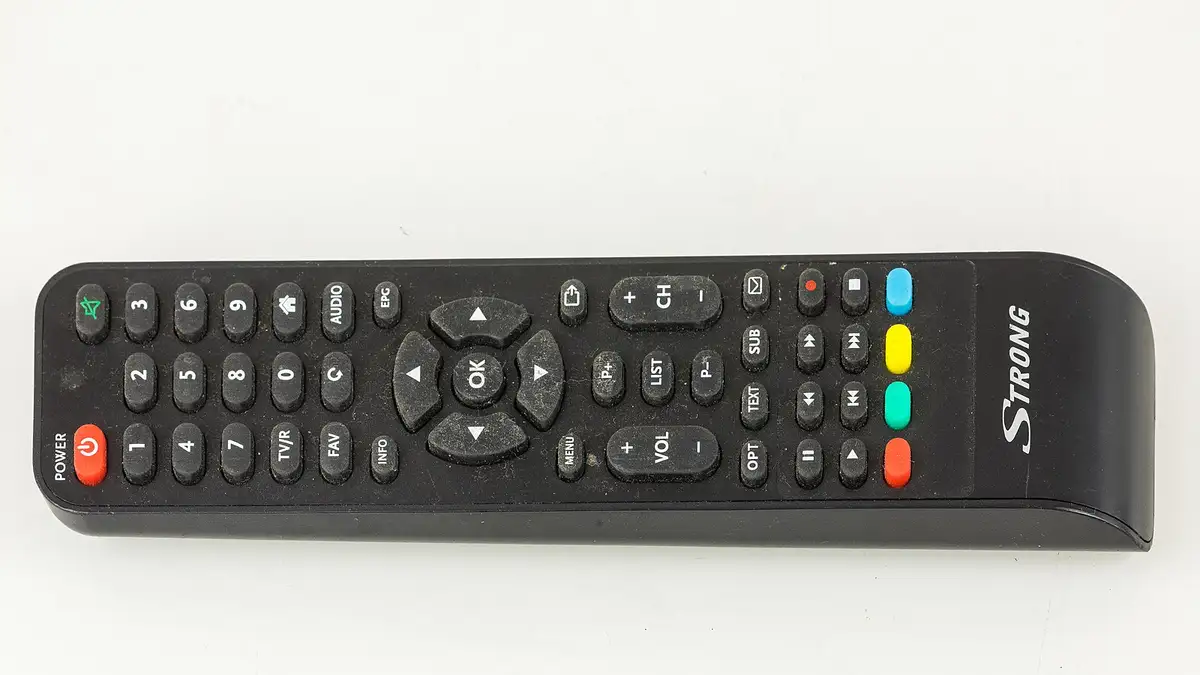
After the restart, the portal loads with TV, Video Club (films and series) and the guide. Use the remote’s Menu button for favourites and to sort channels.
Troubleshooting
| Message | Meaning and fix |
|---|---|
| “STB blocked” | MAC not linked or plan ended; check the MAC with us |
| “Authentication failed” | Portal address mistyped; check each character |
| Stuck on the loading screen | Restart the router and the box, then try again |
| Picture breaks up | Check the cable; MAG boxes work best on Ethernet |
From £5.42 a month
Borrow a full log-in for 24 hours before paying a penny. No card, no contract, no silent renewals.